

Set up Thunderbird email program to use encrypted communication
To set up the e-mail program, follow these steps:
The first step
-
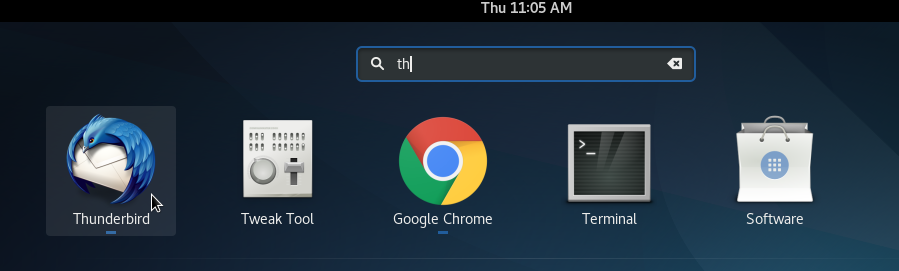
Open Thunderbird
The second step
-
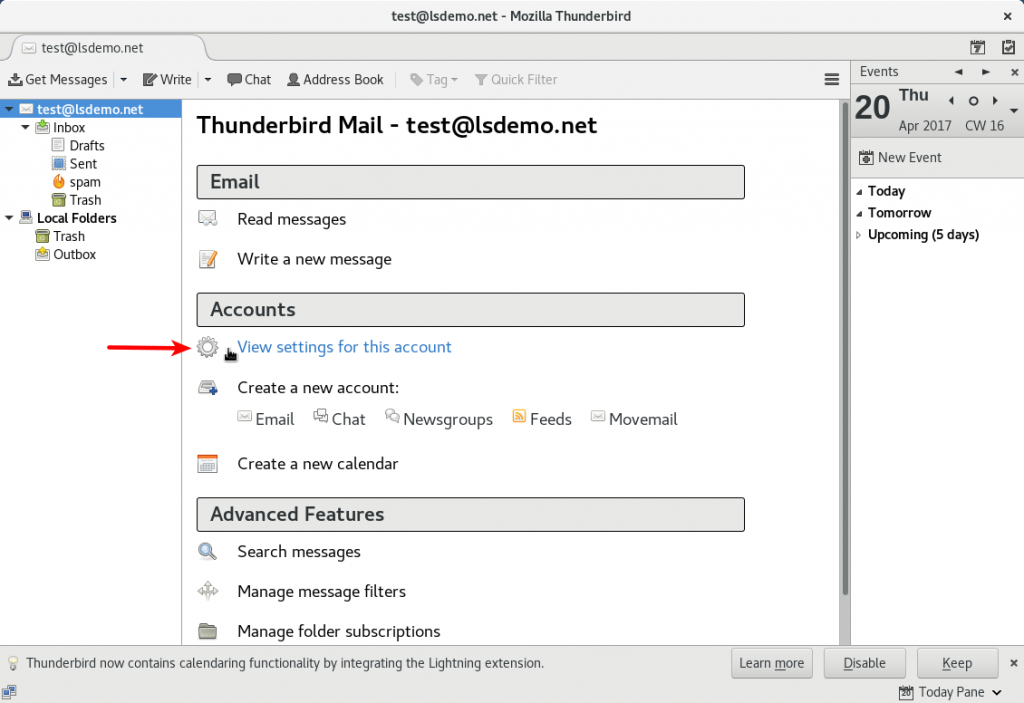
Under the Accounts section click on View settings for this account
The third step
-
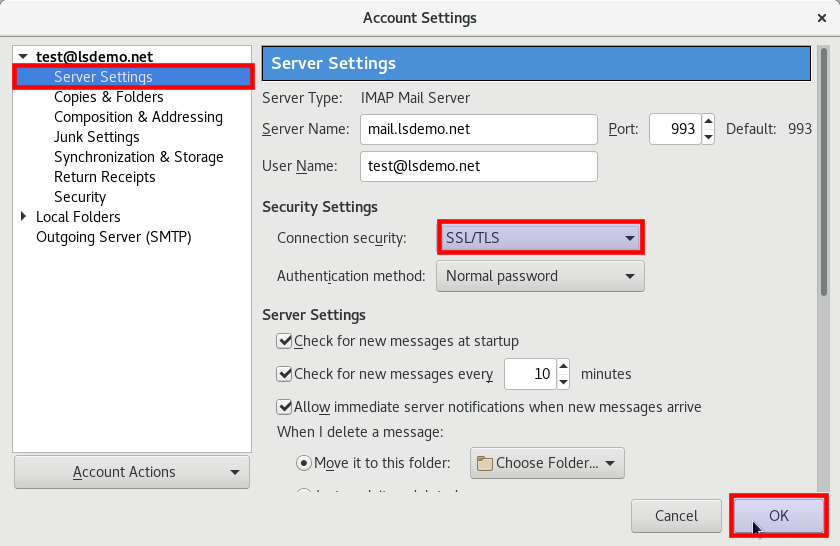
on the left, click on Server Settings under the email you wish to modify.
-
Ensure that Server Name is written in this format
-
<mail.<yourdomain
-
-
Choose SSL/TLS in front of Connection Security (connection protection type)
-
Click on OK
The fourth step
-
From the Settings menu choose Outgoing Server (SMTP)
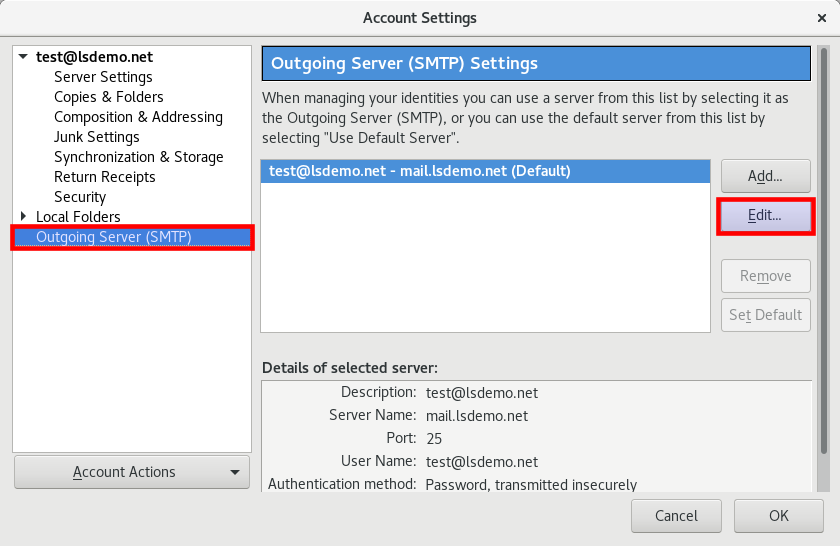
Press OK to save the settings
The fifth step
-
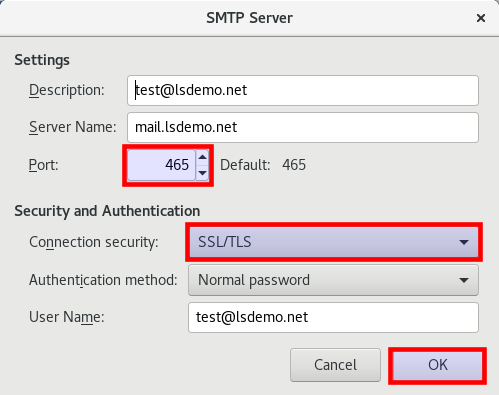
Select the SSL/TLS connection protection type
-
Change port to 465
-
press OK to save the settings