


Blocks are the components for adding content in the new WordPress Block Editor. There are several blocks available within WordPress that you can easily add to your post or page, move within a post or page and search for.
There are different ways to configure and work with these blocks. You can also install additional third party blocks from the WordPress block directory.
Below is a list of the blocks that are currently available within WordPress. We will be adding to this list as more blocks are added with each release.
The Block Inserter categorizes the blocks into 6 different types: Text, Media, Design, Widgets, Theme and Embeds.
Text blocks
 Screenshot of the Text blocks under the Block Editor
Media blocks
 Screenshot of the Media blocks under the Block Editor
Design blocks
 Screenshot of the Design blocks under the Block Editor
Widgets blocks
 Screenshot of the Widget blocks under the Block Editor
Theme blocks
- Navigation
- Site Logo
- Site Title
- Site Tagline
- Query Loop
- Avatar
- Title (Renamed from Post Title)
- Excerpt (Renamed from Post Excerpt)
- Featured Image (Renamed from Post Featured image)
- Author (Renamed from Post Author)
- Author Name (Renamed from Post Author Name)
- Comments Count
- Comments Link
- Date
- Post Date
- Modified Date (Renamed from Post Modified Date)
- Categories
- Tags (Renamed from Post Tags)
- Previous post
- Next Post
- Time to Read
- Word Count (Time to Read variation)
- Read More
- Comments
- Comments Form (Renamed from Post Comments Form)
- Login/out
- Term Count
- Term Description
- Term Name
- Terms Query
- Archive Title
- Search Results Title
- Post Types Label
- Author Biography (Renamed from Post Author Biography)
- Template Part
- Query Title
- Post Navigation Link
- Breadcrumbs (new in 7.0)
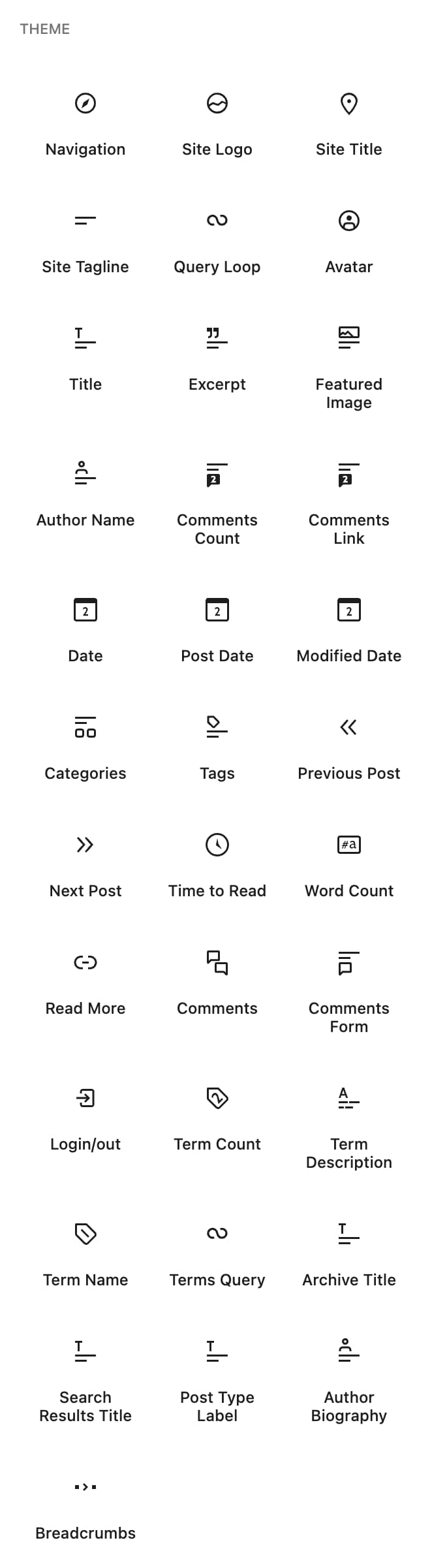 Screenshot of the Theme blocks under the Block Editor
Embed Blocks
- Embed
- X (Renamed from Twitter)
- YouTube
- WordPress
- SoundCloud
- Spotify
- Flickr
- Vimeo
- Animoto
- CloudUp
- Crowdsignal
- Dailymotion
- Imgur
- Issuu
- Kickstarter
- Mixcloud
- Pocket Casts
- ReverbNation
- Screencast
- Scribd
- Slideshare
- SmugMug
- Speaker Deck
- TikTok
- TED
- Tumblr
- VideoPress
- WordPress.tv
- Amazon Kindle
- Wolfram
- Bluesky
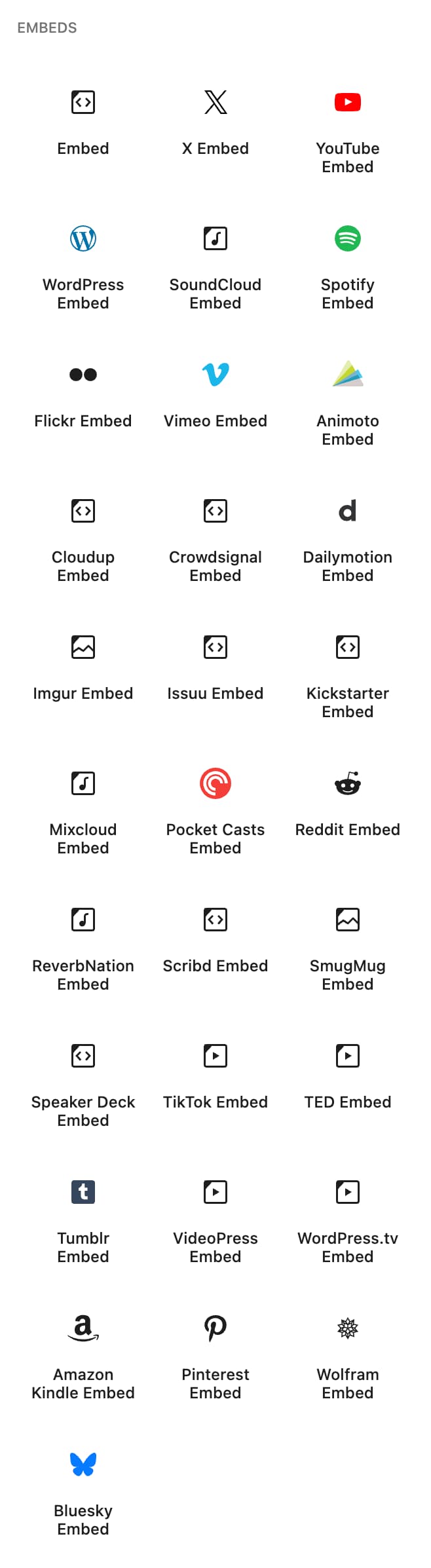 Screenshot of the Embed blocks under the Block Editor
Learn more about the Embeds in this support article: Embeds.
Other Blocks
Most Used Blocks
You will also find a Most Used blocks category which is not shown by default. This category will be visible only if you enable ‘Show most used blocks’ in your Preferences.
When enabled, the Most Used blocks category will be displayed right above the Text blocks category. It will list all the blocks that you used recently on your post or page.

The blocks that appear in the Most Used section will vary based on which blocks you used recently on your post or page.
Deprecated blocks
The following blocks have been deprecated.
| Deprecated block | Since | Replacement or change |
|---|---|---|
| Text Columns block | Before 5.0 | Replaced with the Columns block |
| Button block | 5.4 | Became a child of the Buttons block |
| 5.6 | Removed | |
| 5.6 | Removed | |
| Post Comments block | 6.0 | Replaced with Comments Query Loop block |
| Comments Query Loop block | 6.1 | Became or was merged into the Comments block |
| Post Comment | Replaced with the Comments block | |
| Comment Author Avatar block | Replaced with Avatar block | |
| Posts List | 6.7 | Removed |