


How to Log into IDX (Account Management Panel)
Your Account Management Panel (IDX) is the central hub for your IDX Hosting account.
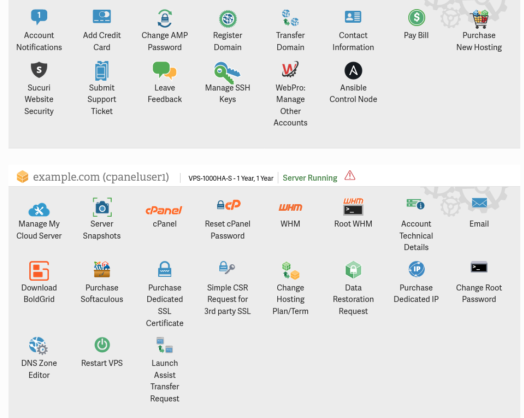
You will land on your IDX dashboard, where all account management options are available.
If you land in the wrong account, the email and password combination you entered does not match the account you intended to access.
Your Account Management Panel (IDX) is the central hub for your IDX Hosting account. From here you can access cPanel, register domains, update billing information, manage subscriptions, and more. You set your IDX password during the purchase process, so your credentials are ready the first time you log in.
How Do I Log Into IDX?
- Go to www.my.insidx.com
- Click the Login button in the top-right corner of the page. You will be redirected to the IDX login page: https://my.insidx.com/login
- Enter the email address and password you created during checkout, then click Log In.
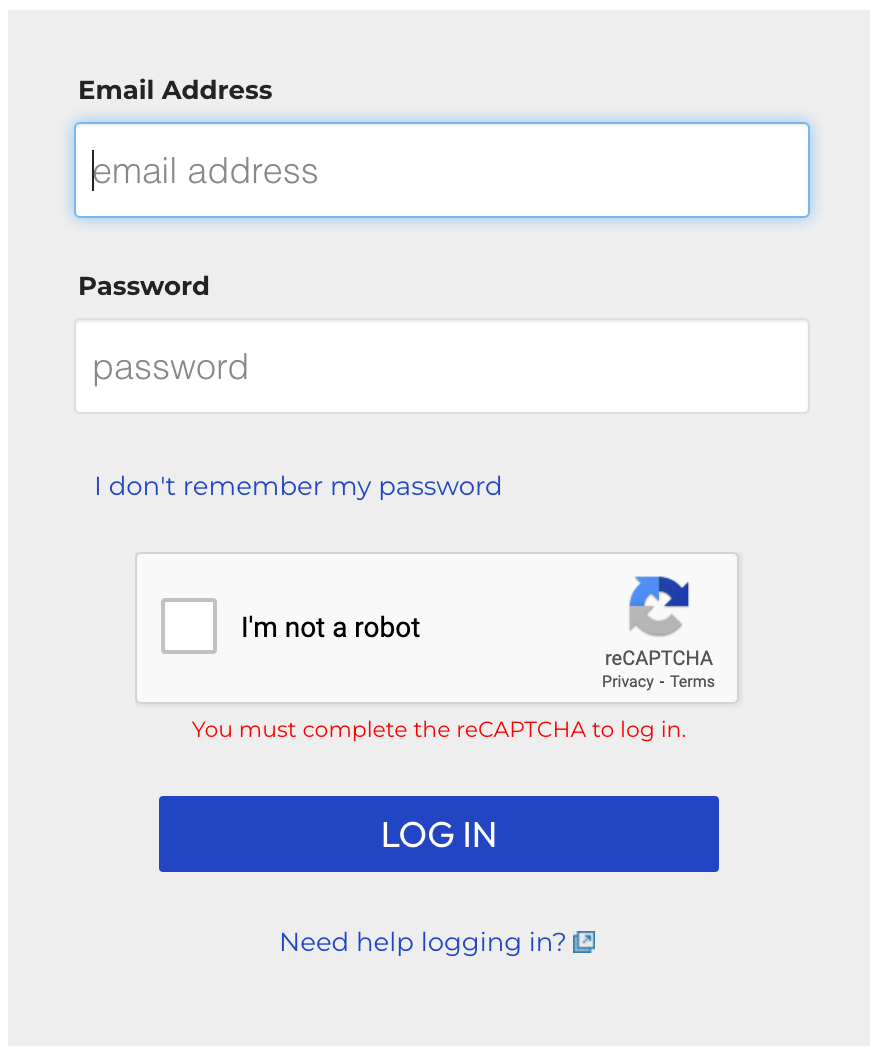
That’s it. You will land on your IDX dashboard, where all account management options are available.
What If I Have Multiple IDX Accounts?
If you manage more than one IDX Hosting account under the same email address, logging in will display a list of accounts rather than dropping you directly into a dashboard. Click the account you want to access and you will be logged in immediately.
If you land in the wrong account, the email and password combination you entered does not match the account you intended to access. Double-check which email address is associated with that specific account.
What If I Forgot My Password?
Use the IDX password reset form to recover access through your email address. If the email address on your account is outdated or no longer accessible, contact IDX Hosting support directly and an agent can update your information and issue a reset.
Already logged in and just want to update your password? See How to Change Your IDX Password.